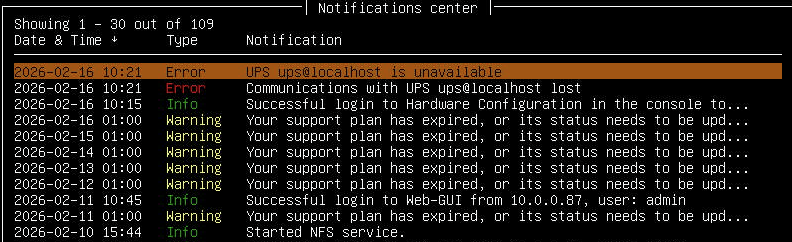
Go to the Console either through iPMI or a KVM.
Press CTRL-ALT-W and enter the admin password
Choose the UPS menu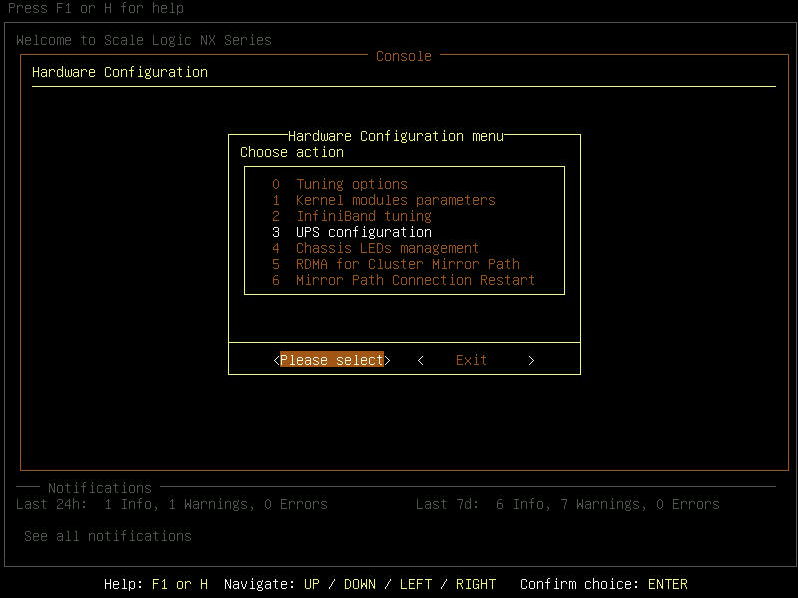
Select your UPS configuration.
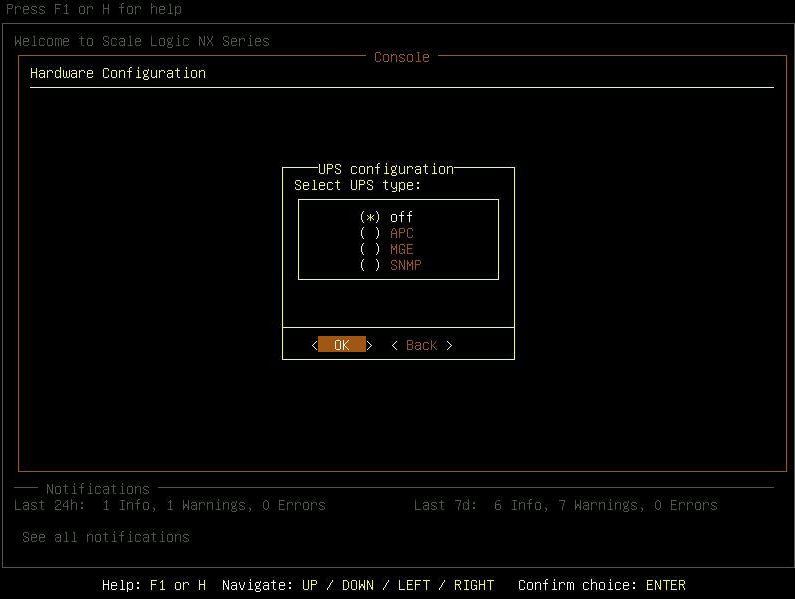
Once selected with the "space bar" you can click ok and reach specific set up screens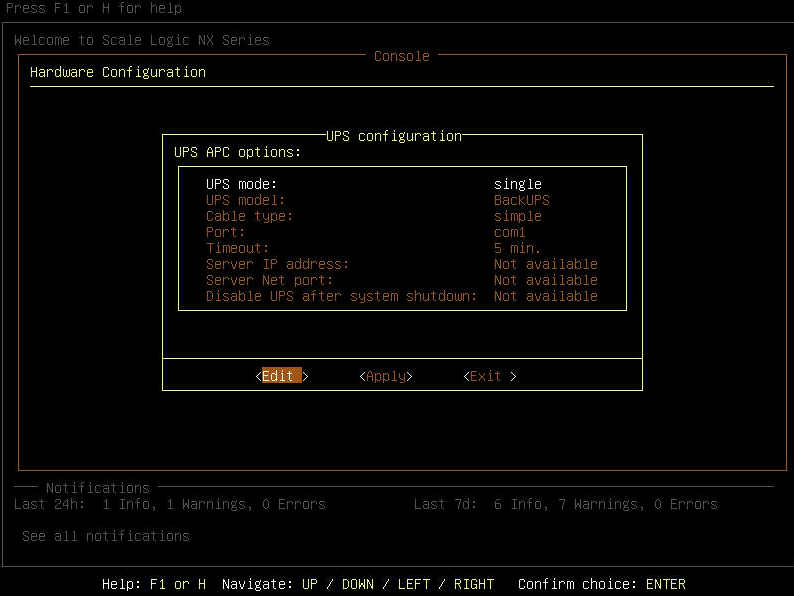
You are able to set parameters to match your situation and business needs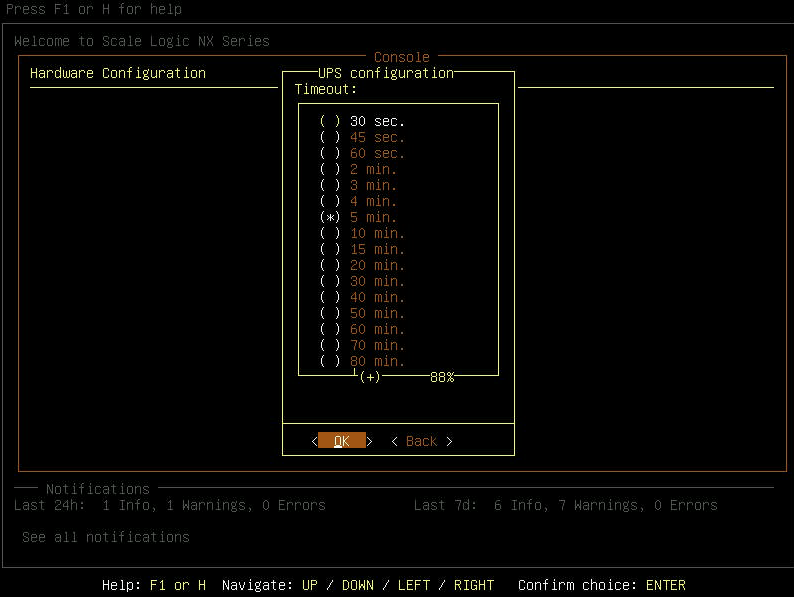
Hit apply to make the configuration live
Exit out of the menu's back to the main console screen, arrow down to Notification Center and check the status. As each site is unique you may need to test different iterations until you find the setting for your requirements.